Documentation · Upshot 1.0
Layers
Every panel has its own stack of layers: draw on one, hide or lock another, blur a background, fold several into a folder, fill a character solidly underneath, or animate a layer over time.
The Layers tab
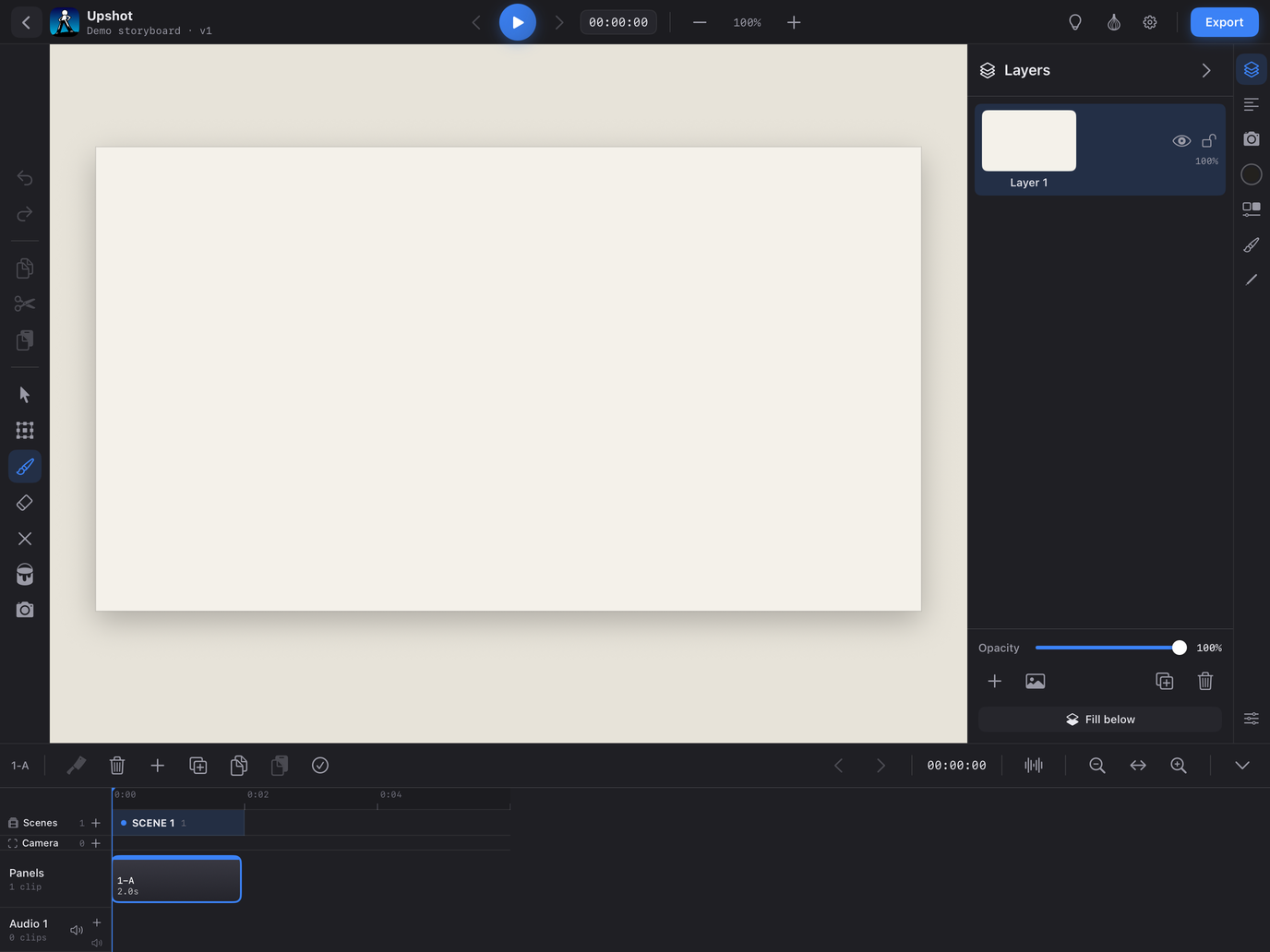
Hover or tap an outlined control to read what it does. Controls marked → open their page.
The Animate tool on a layer
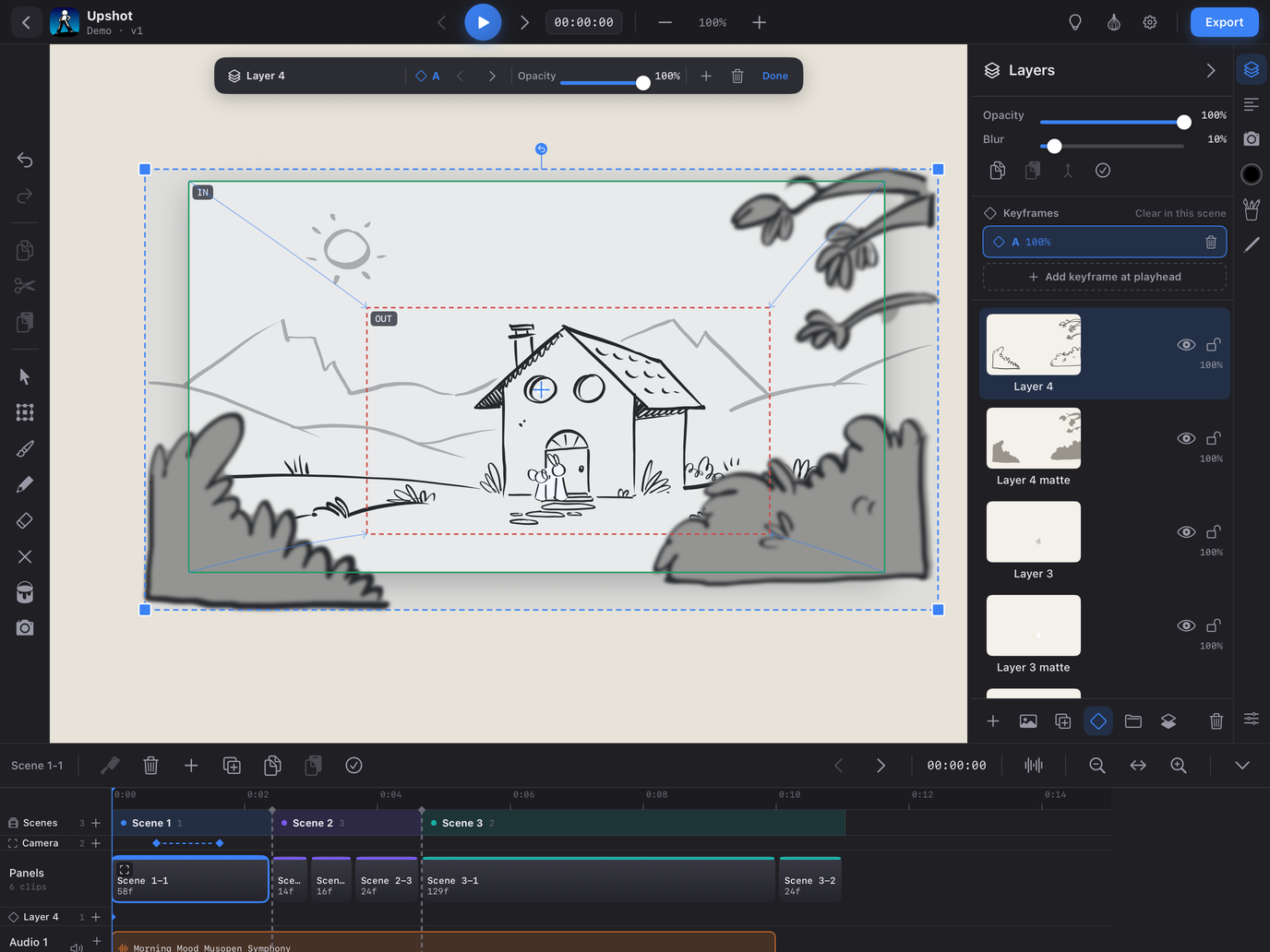
Hover or tap an outlined control to read what it does.