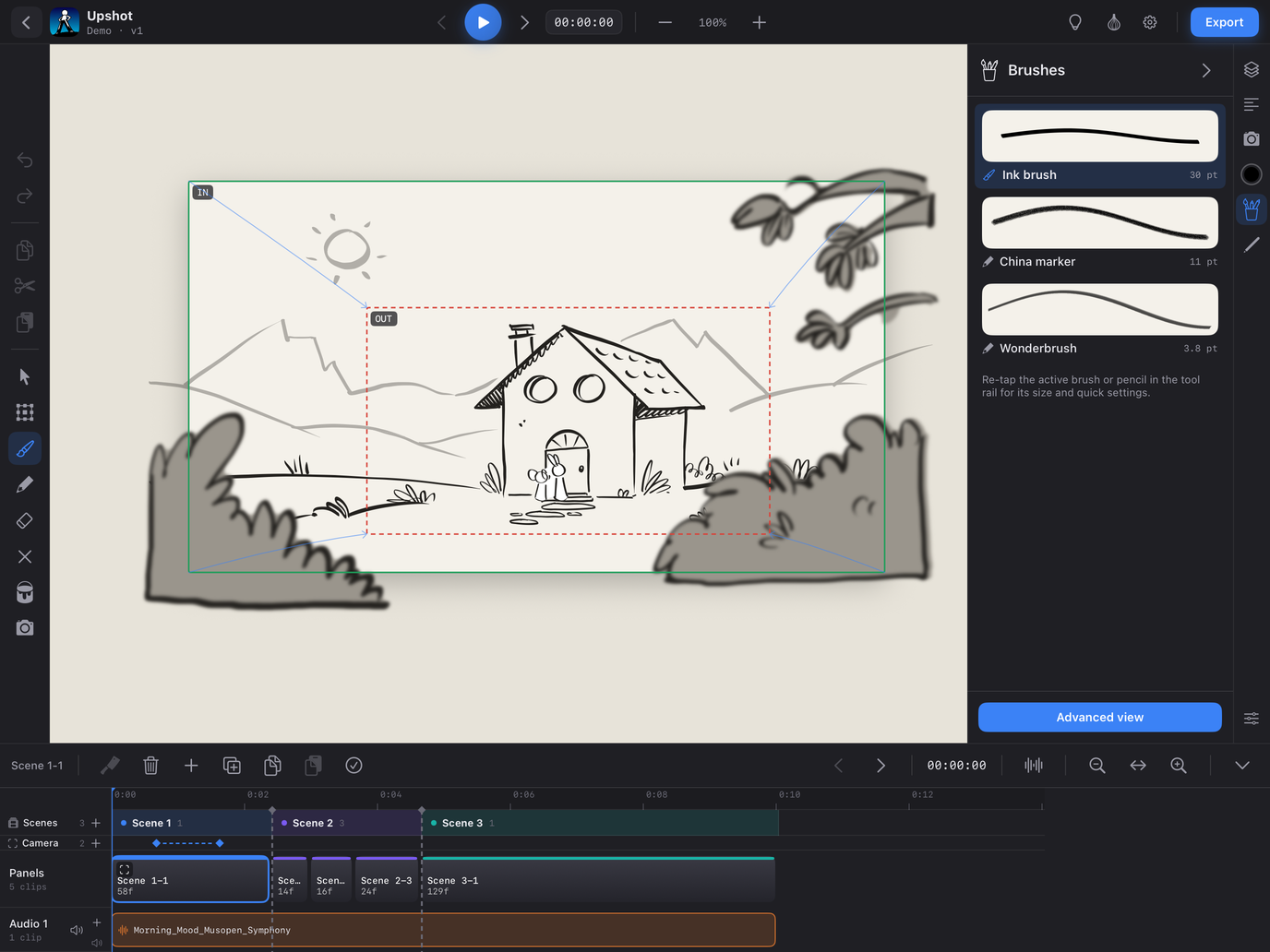
Re-tap the active Brush, Pencil or Eraser in the tool rail — or press and hold it — and its quick settings open beside the rail. A touch anywhere else closes them, and that touch still counts: a stroke on the canvas draws.
- Brush — a live sample of the stroke, Size and Roundness (100% is a round tip; lower is a flat nib), the Advanced view button and Reset brush to defaults.
- Pencil — the pencil picker (China marker or Wonderbrush), a live sample, Size, Opacity, Grain (China marker), the Tilt shading switch, the Advanced view button and Reset pencil to defaults.
- Eraser — the wipe size.
Size sliders step by 0.1 pt; [ and ] change the size from a keyboard. Every brush keeps its own settings, and Reset only touches the brush shown.